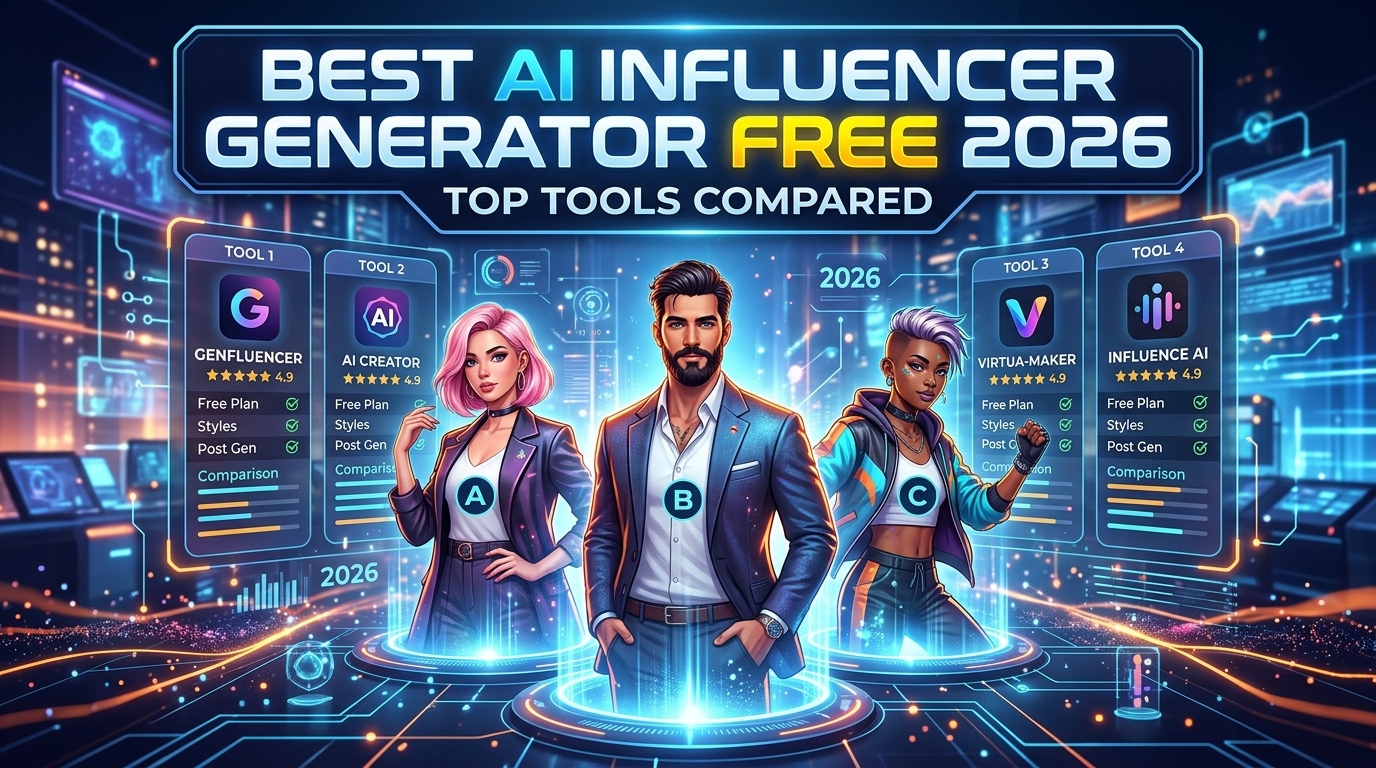
Best AI Influencer Generator Free 2026 — Top Tools Compared
Searching for a free AI influencer generator in 2026? There's no shortage of tools — but most will hit you with a paywall the moment you try to generate anything useful, and very few are actually built for the specific job of creating and monetizing an AI influencer account.
We tested the most popular options hands-on, ranked them by what actually matters — free tier generosity, output quality, character consistency, and monetization support — and gave you an honest picture of which tools are worth your time.
What to Look for in a Free AI Influencer Generator
Before comparing tools, it's worth being clear on what "free" actually means in this space, and what the real requirements are for a tool worth using.
Genuinely free vs. free trial. Most tools advertising "free" are offering a limited trial — typically 3–10 generations before a credit card is required. That's fine for testing output quality, but it doesn't support building an actual content pipeline.
Character consistency — the most important factor. This is what separates hobbyist tools from platforms you can build a real business on. An AI influencer who looks different in every post can't build an audience. Subscribers cancel when the character looks inconsistent. The only reliable solution is either custom LoRA training (teaching an AI model to reproduce your exact character's face and body) or strong face-locking technology that maintains consistency across unlimited generations.
Image vs. video vs. both. Static images alone won't cut it in 2026. Short-form video is the dominant content format on Instagram Reels and TikTok, and you need both image and video generation for a complete AI influencer operation.
Monetization workflow. If your goal is to earn money — through Fanvue subscriptions, PPV content, UGC ads, or brand deals — the tool needs to support that workflow end to end. A generator that only makes fashion photos gets you partway there and no further.
1. AI Influencer Studio — Best Overall (Free to Start)
Free tier: Free credits on signup, no credit card required. Paid plans from $9.99/month.
AI Influencer Studio is the only tool on this list built specifically for the AI influencer monetization workflow from start to finish. It's not trying to be everything to everyone — it's purpose-built for creators who want to design a character, build a consistent identity, generate daily content, and monetize through Fanvue and social media.
What makes it stand out:
The platform's one-click Character LoRA Training is the foundation. Upload 10–20 reference images of your character, train a custom model in 20–40 minutes, and from that point every image and video you generate reproduces the exact same face, body type, and distinctive features — permanently, across all 30+ tools in the platform. This solves the #1 problem every other tool on this list leaves unsolved.
Image generation: 14+ models including Nano Banana Pro, Seedream, Flux 2 Flex, Midjourney v7, Grok, Qwen, and WAN 2.2 — all accessible from a single interface with your trained LoRA applied.
Video generation: 7 top models — Veo 3.1, Seedance 2.0, Kling 3, Sora 2, LTX 2.3, WAN 2.6, and Kling o1 — covering everything from hyper-realistic smartphone-style video to cinematic ads and NSFW content.
Monetization tools unique to this platform:
- Fanvue Studio — dedicated workflow for free feed, subscriber-only, and PPV content generation
- WAN 2.2 and WAN 2.6 — NSFW image and video generation for adult platforms
- AI Magazine Generator — complete 8–30 page PDF magazines, downloadable and sellable on Gumroad
- Instagram Agent — 7–30 day full content calendar with posts, Reels, Stories, captions, hashtags, and optimal posting times
- Brand Kit Generator — complete brand identity with platform-specific images and an instant Netlify landing page
- TikTok Remix Studio — swap your AI character into any trending TikTok dance using Kling 2.6 motion control Also includes: Storyboard Studio, BTS Studio, Stories Studio, OOTD Studio, Translate Studio (150+ languages with lip-sync), Edit Studio (Relight, Reseason, Colorize, Erase), Creative Upscale, ComfyUI integration, IG Remix Studio, UGC Remix Studio, Character Swap, Analytics Dashboard, Music Studio (copyright-free), and AI Chat Assistant.
Best for: Anyone building a serious AI influencer business, especially for Fanvue monetization, Instagram growth, and TikTok.
Limitations: The free tier has a credit limit. Consistent daily content creation will want the $9.99/month Hobby plan or $24.99/month Creator plan.
2. Higgsfield AI — Best for Creative Professionals
Free tier: Limited credits on signup. Paid plans from ~$8/month (Basic) to $36/month (Creator) to $119/month (Pro).
Higgsfield is the most well-known AI creative platform in this space and has expanded dramatically in 2026. It's a serious, well-funded product that updates rapidly — calling it just a "video tool" dramatically undersells what it's become.
What Higgsfield actually offers in 2026:
Image generation includes Soul 2.0, Nano Banana Pro, GPT Image 2, Flux Kontext, Seedream 5.0 Lite, WAN 2.2, and more — with a growing library of style presets and a Photodump Studio for multi-scene character shoots.
Video generation includes Veo 3, Sora 2, Seedance 2.0, Kling 3.0, Kling 2.5 Turbo, WAN 2.6, MiniMax Hailuo 02, and Cinema Studio 3.5 with AI Director functionality and collaborative elements.
Apps include 80+ one-click tools: Face Swap, Character Swap 2.0, Angles 2.0, Shots, Skin Enhancer, Outfit Swap, Relight, AI Stylist, AI Headshot Generator, Video Background Remover, Color Grading, AI Meme Generator, UGC Factory, Lipsync Studio, Marketing Studio (URL-to-ad pipeline), and more.
Effects include 100+ VFX presets covering everything from explosions and elemental effects to transitions, mixed media styles, and surreal transformations.
Where Higgsfield falls short for AI influencer business builders:
No custom character LoRA training. Higgsfield's Soul ID uses uploaded reference images to guide generation, but doesn't create a persistent trained model. Character consistency degrades across sessions, which is a real problem when you need your influencer to look identical across months of content.
No Fanvue or adult content support. Higgsfield is a clean platform — zero NSFW support. This rules it out entirely for the most profitable segment of the AI influencer market.
No dedicated AI influencer monetization workflow. Higgsfield is built for creative professionals, filmmakers, and brands. The specific pipeline of character → LoRA → daily social content → Fanvue PPV → income requires stitching together tools rather than using something purpose-built.
Best for: Filmmakers, VFX artists, brand marketers, and creative professionals. Excellent platform — just not purpose-built for AI influencer monetization.
3. ImagineArt — Good for Beginners
Free tier: Limited daily generations. Paid plans available.
ImagineArt offers a clean, accessible interface for creating AI influencer images and basic animations. Good for absolute beginners who want to experiment without a steep learning curve, and the output quality for static images is solid.
No LoRA training. No character consistency tools beyond a single session. No video generation at the level needed for Reels or TikTok. No Fanvue support. No content calendar.
Useful as a starting point, but you'll hit its ceiling quickly if you're building a real AI influencer business.
Best for: Complete beginners testing the concept before committing to a proper platform.
4. Fotor — Accessible Free Video Generation
Free tier: Watermarked outputs on the free plan. Paid from ~$9.99/month.
Fotor's AI influencer generator lets you create influencer videos from text prompts or images. The interface is beginner-friendly and genuinely accessible — though free outputs include a watermark.
Output quality is acceptable for experimentation but doesn't approach the realism of Veo 3.1 or Seedance 2.0. No character consistency tools, no LoRA training, no monetization workflow.
Best for: Quick, low-commitment content tests.
5. Overchat AI — Simple Free Starting Point
Free tier: Free to try with limited generations.
Overchat provides a straightforward AI influencer image generator that's genuinely free to start. Simple interface — prompt in, image out — and works fine for generating individual character concepts.
No video generation. No character consistency. No LoRA training. No monetization workflow beyond the image itself.
Best for: Zero-friction concept testing with no signup friction.
6. ZenCreator — Targets Fanvue and Adult Creators
Free tier: Free to start, no credit card.
ZenCreator is one of the few free tools that explicitly targets AI influencer creators for adult platforms. It supports face swap, batch generation, and HD exports — useful features for Fanvue image content.
The trade-off is overall depth: no video generation models at scale, no LoRA training for true character consistency, no content calendar, no brand kit, no magazine generator. For pure Fanvue image generation it's a decent free option; for a full AI influencer operation it's not enough.
Best for: Fanvue and adult content creators who only need image generation and have a small budget.
Comparison Table: AI Influencer Generators 2026
| Feature | AI Influencer Studio | Higgsfield AI | ImagineArt | Fotor | ZenCreator |
|---|---|---|---|---|---|
| Free tier | Yes, no card required | Yes, limited credits | Yes, limited | Watermarked | Yes, no card |
| Image models | 14+ (Nano Banana, Flux 2, Seedream, MJ v7, Grok, Qwen, WAN 2.2...) | 15+ (Soul 2.0, Nano Banana Pro, GPT Image 2, Flux Kontext, Seedream 5.0...) | Limited | Limited | Basic |
| Video models | 7 (Veo 3.1, Seedance 2.0, Kling 3, Sora 2, LTX 2.3, WAN 2.6, Kling o1) | 10+ (Veo 3, Sora 2, Seedance 2.0, Kling 3.0, Kling 2.5 Turbo, WAN 2.6, MiniMax...) | Basic | Basic | None |
| Character LoRA training | Yes — full custom model training | No (Soul ID reference only) | No | No | No |
| Persistent character consistency | Yes — same face across all tools | Partial — drifts between sessions | No | No | No |
| Fanvue / NSFW support | Yes — dedicated studio + WAN 2.2/2.6 | No | No | No | Partial |
| 30-day IG content calendar | Yes — AI agent | No | No | No | No |
| AI magazine generator | Yes — up to 30 pages PDF | No | No | No | No |
| Brand kit + landing page | Yes — instant Netlify deploy | No | No | No | No |
| TikTok remix studio | Yes — Kling 2.6 motion control | No | No | No | No |
| Marketing / ad studio | Yes — UGC Remix, Seedance ads | Yes — Marketing Studio, UGC Factory | No | No | No |
| 80+ one-click apps | No | Yes | No | No | No |
| 100+ VFX presets | No | Yes | No | No | No |
| ComfyUI integration | Yes | No | No | No | No |
| Starting price | $9.99/month | ~$8–36/month | Paid | $9.99/month | Paid |
| Built for | AI influencer business & Fanvue monetization | Creative professionals & filmmakers | Beginners | Quick tests | Adult image content |
The Key Distinction: Same Models, Different Purpose
It's worth being clear about something the comparison table makes obvious: AI Influencer Studio and Higgsfield share many of the same underlying AI models — both offer Veo 3.1, Seedance 2.0, Kling 3, WAN 2.6, Sora 2, and more. If you're choosing between them purely on model access, they're roughly equivalent.
The real difference is what each platform is built for.
Higgsfield is built for creative professionals, filmmakers, brand marketers, and VFX artists. Its 80+ one-click apps, 100+ effects presets, Cinema Studio 3.5 with AI Director, and Marketing Studio URL-to-ad pipeline are genuinely outstanding for that audience. If you're making cinematic content, brand campaigns, or creative visual art, Higgsfield is an excellent choice.
AI Influencer Studio is built for one specific workflow: create a consistent AI character, generate a high volume of content for social media, and monetize through Fanvue and brand partnerships. The tools that don't exist on Higgsfield — custom LoRA training, Fanvue PPV content studio, NSFW generation, AI magazine generator, 30-day content calendars, instant landing pages — are all present in AI Influencer Studio because they're what that specific workflow requires.
Choosing between them isn't about which is "better." It's about which one is built for what you're actually trying to do.
The Consistency Problem That Kills Most AI Influencer Businesses
Every tool on this list except AI Influencer Studio has the same fundamental problem: your AI influencer looks different every time you generate.
This matters more than any other technical factor. Real audiences follow real characters. When your "influencer" has a different face shape, different eye color, or different build in every post, followers disengage. Subscribers cancel when the character they subscribed for doesn't look like the character appearing in new content.
The only reliable solution is character LoRA training — creating a custom AI model trained specifically on your character so it reproduces the exact same appearance across unlimited new scenes, outfits, and situations. This used to require deep knowledge of ComfyUI workflows and GPU resources. AI Influencer Studio makes it one-click accessible at $9.99/month — no technical background required.
How to Create a Free AI Influencer Step by Step
Here's the fastest path from zero to a publishing-ready AI influencer using AI Influencer Studio's free tier:
Step 1 — Design your character concept Use the AI Chat to brainstorm your influencer's look, name, niche, and personality. The more specific — age, aesthetic, content theme, distinguishing features — the more compelling and consistent the final character will be.
Step 2 — Generate your reference images Use the Image Studio with Nano Banana Pro or Flux 2 Flex to generate 15–20 images of your character from different angles (front, three-quarter, profile, full body) with neutral backgrounds. These become your LoRA training dataset.
Step 3 — Train your character LoRA Upload your reference images to the Character LoRA Training tool. Training takes 20–40 minutes and produces a custom model file. From this point, every image and video you generate reproduces the same face.
Step 4 — Build your first content batch Use Themed Sets to generate 20–30 images across different scenarios — lifestyle, fashion, travel, fitness — in a single session. This is your initial content bank.
Step 5 — Generate your first Reels Use TikTok Remix Studio to swap your character into a trending dance or format using Kling 2.6 motion control. These perform well organically on both TikTok and Instagram Reels.
Step 6 — Set up your 30-day content calendar Run the Instagram Agent to generate a complete 30-day posting plan — posts, Reels, Stories, captions, hashtags, and best posting times — all customized for your character's niche.
Step 7 — Launch your Fanvue account Once you have a content bank and initial social following, use the Fanvue Studio to generate your first subscriber-only and PPV content. Set your subscription price and start monetizing.
People Also Ask
Is it legal to make an AI influencer? Yes — creating and monetizing an AI influencer is legal in most jurisdictions. Key requirements: disclose AI-generated content where required by law (EU AI Act mandates disclosure for synthetic media from August 2026), ensure all depicted content meets age verification requirements for adult platforms, and don't depict real identifiable people without consent.
Can AI influencers really make money? Yes, and the numbers are significant. The AI influencer market is valued at over $6 billion in 2026. Individual creators running AI influencer accounts on Fanvue report earnings from a few hundred dollars per month at entry level to $10,000–30,000/month for established accounts with strong social funnels. Character consistency and content volume are the two biggest variables.
What's the difference between a free and paid AI influencer generator? Free tiers typically limit generation count, output resolution, or available models. The more important limitation is feature depth — most free tools only provide basic image generation. At $9.99/month, AI Influencer Studio's Hobby plan unlocks the full workflow including LoRA training, video generation, and monetization tools. The cost-to-value ratio at that price is extremely high for anyone treating it as a business.
Do I need technical skills to create an AI influencer? No. AI Influencer Studio was specifically built for creators who don't want to learn ComfyUI or manage AI workflows. Everything from LoRA training to video generation is one-click accessible with no technical background required.
How long does character LoRA training take? Approximately 20–40 minutes depending on the size of your training dataset. You train once and use the resulting model indefinitely across all tools in the platform.
Bottom Line
If you're looking for a free AI influencer generator just to experiment with the concept, Overchat AI or ZenCreator give you zero-friction access with no credit card required.
If you want professional output quality and a broad creative toolkit, Higgsfield AI is an outstanding platform for filmmakers and creative professionals — with more image models, video models, one-click apps, and VFX effects than any other tool on this list.
If you're building a real AI influencer business — with consistent character generation, a complete social media content pipeline, and a path to Fanvue or brand deal monetization — AI Influencer Studio is the only platform that covers the full workflow from character creation to income generation, starting free with no credit card.
→ Start free at AI Influencer Studio — no credit card required
Last updated April 2026. Tool features and pricing are subject to change — always check current platform pages for the latest information.
Related Articles
Best Free AI Influencer Video Generator in 2026 (7 Tools Tested)
We tested every major free AI influencer video generator in 2026. Here's an honest ranking by video quality, character consistency, free tier limits, and which one actually lets you build a monetizable AI influencer.
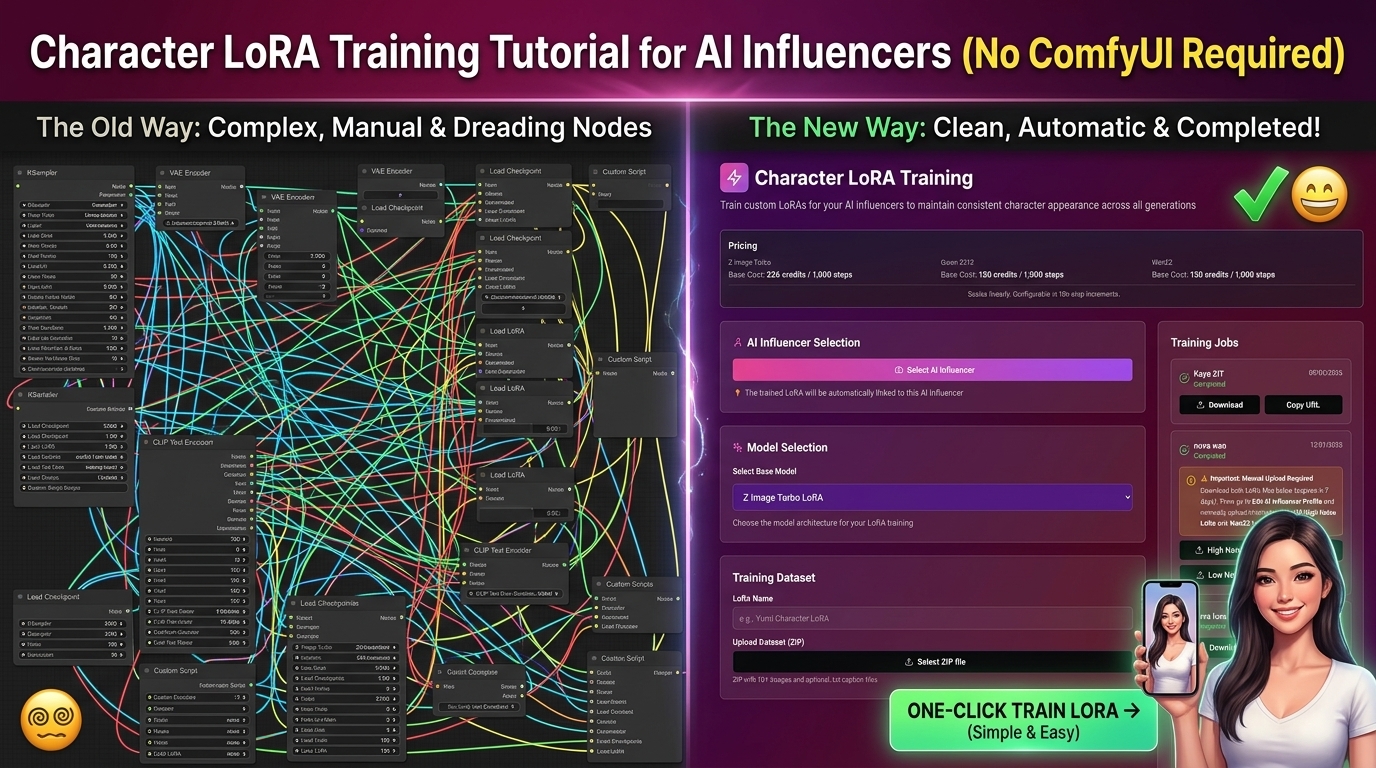
Character LoRA Training Tutorial for AI Influencers (No ComfyUI Required)
Learn how to train a character LoRA for your AI influencer in 2026 — without ComfyUI, without a GPU, and without any technical background. Complete step-by-step guide.
Best Higgsfield AI Alternative 2026 — Cheaper, More Features, Same Models
Higgsfield credits burning too fast? Need LoRA training or Fanvue support? We compared every major Higgsfield alternative in 2026 and matched each one to your actual use case.