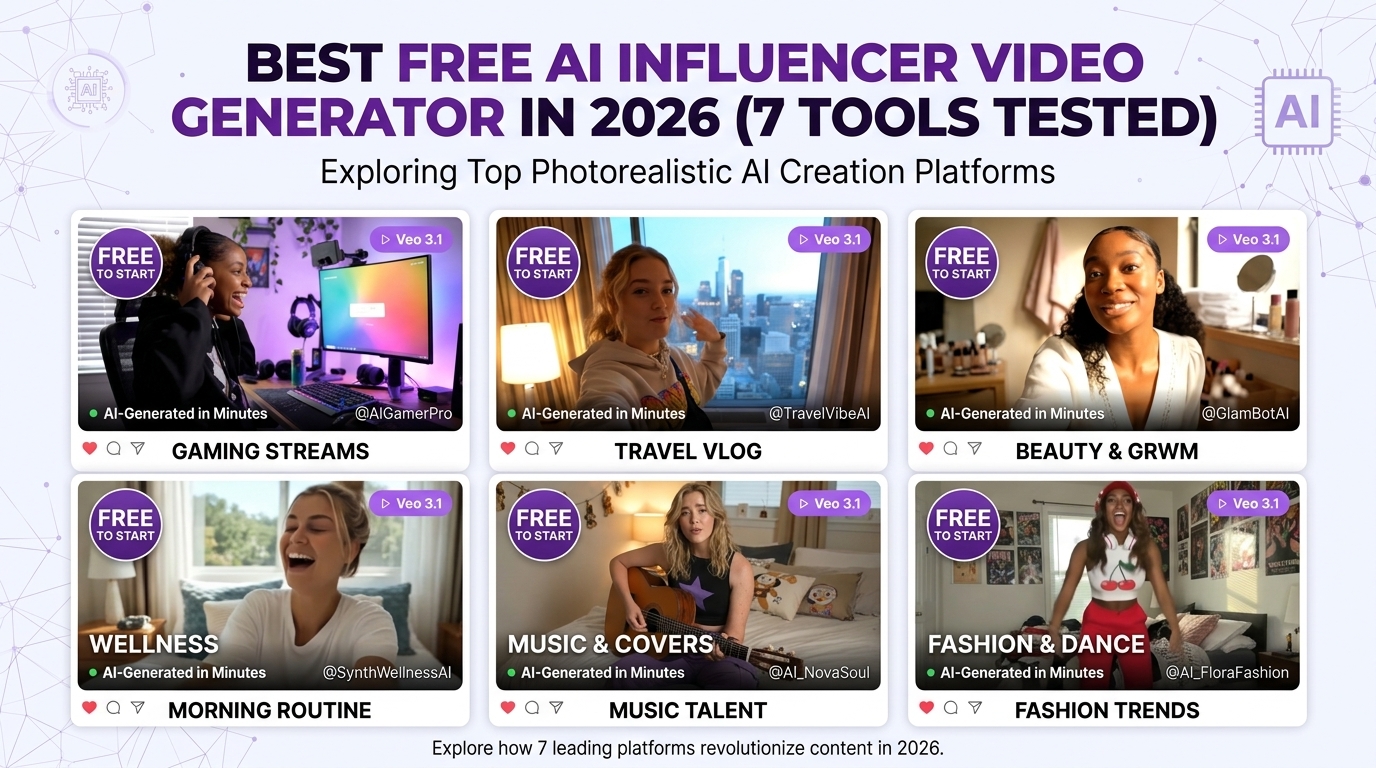
Best Free AI Influencer Video Generator in 2026 (7 Tools Tested)
Finding a genuinely free AI influencer video generator in 2026 is trickier than it sounds. Most tools advertise "free" prominently and then reveal their limits the moment you try to export a watermark-free video or generate more than 3 clips. We tested 7 of the most searched options — checking free tier generosity, video quality, character consistency, and whether the tool actually supports a real AI influencer workflow — and ranked them honestly.
Here's what we found.
What Makes a Good AI Influencer Video Generator?
Not all AI video generators are built for the AI influencer use case. A general-purpose text-to-video tool might produce impressive clips, but if it can't maintain your character's face consistently across videos, it's useless for building an AI influencer account.
The four criteria that actually matter:
1. Character consistency across videos. Your influencer needs to look identical in every video — same face, same proportions, same distinctive features. Tools that generate beautiful video but produce a slightly different face each time are not suitable for building an audience.
2. Realism and quality for social media. Instagram Reels and TikTok audiences have high standards. The "smartphone aesthetic" — slightly handheld, natural lighting, authentic movement — currently outperforms cinematic perfection for AI influencer content. The best tools nail this.
3. Free tier that's actually usable. "Free" means you can generate enough content to test the tool properly, not 1–2 watermarked clips. We evaluated what you can realistically do with each tool before spending anything.
4. Monetization support. If your goal is to earn from your AI influencer — through Fanvue, Instagram brand deals, or UGC ads — the tool needs to support that workflow. Most free tools stop at content generation without any thought to what you do with it.
1. AI Influencer Studio — Best Overall (Free to Start, No Card Required)
Free tier: Free credits on signup, no credit card. Paid from $9.99/month. Video models: Veo 3.1, Seedance 2.0, Kling 3, Sora 2, LTX 2.3, WAN 2.6, Kling o1
AI Influencer Studio is the only tool on this list built specifically around the AI influencer video workflow — from character creation through content generation through Fanvue monetization. It offers access to 7 top video models in a single interface, all accessible through your trained character LoRA for consistent face and body reproduction across every video.
Why it leads for AI influencer video specifically:
The platform's TikTok Remix Studio lets you swap your AI character into any trending TikTok dance or format using Kling 2.6 motion control — one of the fastest ways to generate viral-ready video content without any video editing skills. Select a trending sound, choose a motion style, and your character performs the move in your character's exact face and body.
Veo 3.1 generates hyper-realistic smartphone-style videos — the kind that look like they were filmed on an iPhone in a real room, not generated by AI. These perform exceptionally well on Instagram Reels and TikTok because they pass the "is this real?" test that audiences apply to new content.
Seedance 2.0 produces cinematic-quality video with native audio generation — your AI influencer's video comes with ambient sound and natural audio baked in, no post-production required.
The Lipsync Studio and Translate Studio (150+ languages with lip-sync) let you create talking-head video content in your character's voice across any language — extremely useful for brand deal content targeting international markets.
What's unique: Character LoRA training means your character looks exactly the same in every video. Train once, generate unlimited consistent content across all 7 video models.
Free tier reality: Enough credits to generate 3–5 videos and test all the major tools before committing. No watermark on generated content.
Best for: Anyone building an AI influencer business for Fanvue, Instagram, or TikTok. The only free-to-start tool that covers the complete workflow.
2. Higgsfield AI — Best for Motion Realism
Free tier: Limited credits on signup (~3–5 video generations). Paid from ~$8/month. Video models: Veo 3, Sora 2, Seedance 2.0, Kling 3.0, Kling 2.5 Turbo, WAN 2.6, MiniMax Hailuo 02, Cinema Studio 3.5, and more
Higgsfield is the most well-known AI influencer video platform in 2026 and for good reason — its smartphone-style realistic video generation is genuinely impressive, particularly for lifestyle and motion content. The motion-sync feature lets you apply preloaded or custom action videos to your AI character, producing natural-looking movement that performs well on social media.
What it does exceptionally well:
Motion realism and camera work are Higgsfield's strongest suit. The platform understands how real social media video looks — handheld shake, natural lighting transitions, authentic body movement — and replicates it convincingly. For Instagram Reels and TikTok content, this aesthetic is exactly what you want.
Cinema Studio 3.5 adds an AI Director layer — you can describe shots and camera movements in plain language and have them rendered without technical knowledge.
Limitations for AI influencer video specifically:
No character LoRA training means your character's face drifts between video sessions. Soul ID helps within a session but doesn't create a permanent trained model. For short-term content this is manageable; for building a recognizable AI influencer over months, it's a significant limitation.
No Fanvue or NSFW video support. No content calendar integration. No built-in workflow for social media posting.
The free tier is genuinely limited — 3–5 generations burns through quickly when you're trying to evaluate the tool.
Best for: Testing premium video quality for social media content. Excellent platform for video-first creators who don't need character LoRA consistency.
3. HeyGen — Best for Talking Avatar Videos
Free tier: 3 video credits/month (1 minute each). Paid from $29/month. Speciality: Lip-synced speaking avatar video generation
HeyGen occupies a different niche from most tools on this list — it's built for creating AI influencer videos where the character speaks directly to camera with accurate lip-sync. Choose from 100+ pre-built avatars or create a custom avatar, input a script, and HeyGen generates a professional-looking talking head video with natural vocal delivery.
Where HeyGen excels:
For brand deal content where your AI influencer needs to speak about a product, HeyGen's lip-sync quality is the best available. The voice naturalness and lip-sync accuracy are noticeably ahead of most competitors. Multilingual support (175+ languages) makes it excellent for international brand campaigns.
Limitations:
The free tier is extremely restrictive — 3 one-minute videos per month is barely enough to test the tool, let alone build a content pipeline. At $29/month for the basic paid plan, it's one of the more expensive options relative to its feature set for AI influencer video creators.
No realistic lifestyle video generation — HeyGen produces talking head content, not the kind of environmental lifestyle videos (beach walks, coffee shops, gym sessions) that perform best on Instagram. No character LoRA training, no Fanvue support, no content calendar.
Best for: Creators who specifically need high-quality talking head video content for product reviews and brand deals. Not suitable as a primary AI influencer video tool.
4. Fotor AI Influencer Video Generator — Best for Beginners
Free tier: Limited daily generations, watermarked outputs on free plan. Speciality: Text-prompt and image-to-video for influencer content
Fotor's AI influencer video generator is one of the most accessible tools in this space — clean interface, clear workflow, and a genuinely beginner-friendly experience. Input a text prompt or upload an image of your character, choose a style and motion type, and Fotor generates a short video clip.
Where Fotor is useful:
The simplicity is real — you can generate your first AI influencer video in under 5 minutes with no prior experience. The output quality is acceptable for experimentation and low-stakes social content.
Limitations:
The free tier adds watermarks to all exports, which makes it unsuitable for real social media posting without upgrading. Video quality doesn't approach Veo 3.1 or Seedance 2.0 for realism. No character consistency tools, no LoRA training, no Fanvue support.
Best for: Absolute beginners who want a no-friction introduction to AI influencer video generation before committing to a more capable platform.
5. Invideo AI — Best for Script-to-Video
Free tier: Watermarked exports, 10 minutes of video/week. Paid from $25/month. Speciality: Text prompt to fully edited social media video
Invideo AI takes a different approach — you input a topic or script and it generates a complete, edited video with narration, B-roll, captions, music, and transitions. It's less about animating a specific AI character and more about generating formatted social media video content quickly.
Where Invideo is useful:
For creators who want to generate informational or tutorial-style content under their AI influencer's brand, Invideo's automation is genuinely impressive. The editing workflow happens automatically rather than requiring you to assemble clips.
Limitations:
The free tier is fairly restricted and all free exports include a watermark. The tool isn't designed for consistent character-based AI influencer content — it's more of a social video automation tool than an AI influencer generator. No LoRA training, no character consistency, no Fanvue support.
Best for: Creators who want automated video content generation around a topic rather than a consistent AI character persona.
6. CapCut AI Video Generator — Best Free Quick Option
Free tier: Genuinely free with no watermark on basic outputs. Paid plan available. Speciality: Text-to-avatar video, style-based generation
CapCut's "Instant AI video" tool is one of the most genuinely free options on this list — you can generate avatar-based videos with a script input without a watermark on basic outputs. Select a style (realistic, 3D, cinematic), input your script, and CapCut generates a short avatar video.
Where CapCut is useful:
The zero-friction free access is real. For creators who want to experiment with AI influencer video content without any upfront cost or credit card, CapCut is the most accessible starting point.
Limitations:
The avatar characters are CapCut's pre-built options, not your custom AI character. No custom character import, no LoRA training, no character consistency with your own influencer. The output aesthetic is clearly AI-generated rather than the naturalistic smartphone style that performs best on social media. No Fanvue support.
Best for: Zero-cost experimentation with AI avatar video. Not suitable for building a recognisable custom AI influencer.
7. ZenCreator — Best for Fanvue-Focused Video
Free tier: Free to start, no credit card required. Speciality: AI influencer image and video for adult platforms
ZenCreator explicitly targets creators building content for adult monetization platforms. It supports face swap, batch generation, HD export, and is one of the few free tools that doesn't shy away from the Fanvue use case.
Where ZenCreator is useful:
For creators specifically focused on adult content monetization, ZenCreator's free tier provides access to the core features without a credit card. The face swap functionality allows you to apply a consistent character face across generated video clips.
Limitations:
Video model depth doesn't approach AI Influencer Studio's 7-model lineup. No LoRA training for true persistent character consistency. No content calendar, no brand kit, no magazine generator. Limited to image and basic video rather than the cinematic quality of Veo 3.1 or Seedance 2.0.
Best for: Adult content creators who want a free starting point for Fanvue video content.
Comparison Table: Free AI Influencer Video Generators 2026
| Tool | Free Tier | Watermark | Video Models | Character Consistency | Fanvue/NSFW | Best For |
|---|---|---|---|---|---|---|
| AI Influencer Studio | Yes, no card | No | 7 (Veo 3.1, Seedance 2.0, Kling 3, Sora 2, LTX 2.3, WAN 2.6, Kling o1) | Yes — LoRA training | Yes | Full AI influencer business |
| Higgsfield AI | Very limited | No | 10+ (Veo 3, Seedance 2.0, Kling 3, WAN 2.6, MiniMax, Cinema Studio...) | Partial (Soul ID) | No | Motion realism, filmmakers |
| HeyGen | 3 videos/mo | No | Talking avatar only | No | No | Lip-sync brand deals |
| Fotor | Limited | Yes | Basic | No | No | Beginners |
| Invideo AI | 10 min/wk | Yes | Script-to-video | No | No | Topic-based video |
| CapCut AI | Generous | No (basic) | Avatar only | No (preset avatars) | No | Zero-cost experiments |
| ZenCreator | Yes, no card | No | Limited | Partial (face swap) | Partial | Adult content image/video |
The Character Consistency Problem — Why It Matters for Video Specifically
Character consistency matters more for video than for images — and here's why.
In a static image, a slightly different chin shape or eye spacing is easy to overlook. In video, your character moves, and movement draws attention to every facial feature. Viewers are extremely good at recognizing the same person across multiple videos — and equally good at noticing when someone looks subtly different.
AI influencer accounts that build large loyal followings on Fanvue and Instagram typically have one thing in common: their character looks absolutely identical in every piece of content. Subscribers on Fanvue build emotional attachment to a specific persona. When the character looks different, that attachment is broken and subscribers leave.
Of the 7 tools on this list, only AI Influencer Studio solves this with actual LoRA training — creating a persistent character model that reproduces the same face across unlimited video generations, regardless of which video model you use or how many months of content you generate.
How to Create a Free AI Influencer Video in 5 Steps
Here's the fastest path from zero to a publishable AI influencer video using AI Influencer Studio's free tier:
Step 1 — Generate your character image Use the Image Studio with Nano Banana Pro to create your AI influencer. Focus on getting the face right — clean lighting, neutral background, front-facing image that will serve as your LoRA training anchor.
Step 2 — Train your character LoRA Upload 15–20 reference images of your character to the LoRA Training tool. Training completes in 20–40 minutes and creates a permanent character model.
Step 3 — Generate your first video with Veo 3.1 Open the Veo 3.1 Studio, select your trained character as active, and enter a simple scene prompt: "woman walking through a sunlit coffee shop, smartphone selfie style, natural movement". Veo 3.1 generates a 5–8 second clip that looks authentically filmed.
Step 4 — Generate a TikTok Remix Open the TikTok Remix Studio, choose a trending audio, select a dance or motion style, and generate a performance video with your character using Kling 2.6. This type of content performs exceptionally well organically on both TikTok and Instagram Reels.
Step 5 — Add to your content calendar Use the Instagram Agent to incorporate your new videos into a 30-day content plan with captions, hashtags, and posting times — so you're never scrambling for what to post next.
People Also Ask
Which AI influencer video generator is completely free without watermark? AI Influencer Studio offers free credits on signup with no watermark on generated content, no credit card required. CapCut's basic outputs are also watermark-free. Most other tools (Fotor, Invideo) add watermarks on free plan exports.
Can I create AI influencer videos for Instagram Reels for free? Yes — AI Influencer Studio generates Instagram Reels-optimised vertical video using Veo 3.1 and Seedance 2.0 on the free tier. The TikTok Remix Studio also produces Reels-format content. Both generate in the 9:16 vertical format required for Reels.
What's the most realistic free AI influencer video generator? For photorealistic smartphone-style video that looks authentically filmed rather than AI-generated, Veo 3.1 (available in AI Influencer Studio and Higgsfield) produces the most convincing output in 2026. The difference between Veo 3.1 and simpler video models is significant and immediately visible.
Do AI influencer video generators require a GPU? No — all tools on this list run on cloud infrastructure. You generate video in a browser without any local hardware requirements.
Can I use AI influencer videos on Fanvue? Yes — Fanvue allows AI-generated video content. AI Influencer Studio's Fanvue Studio and WAN 2.6 model support NSFW video generation specifically for Fanvue PPV content creation.
Bottom Line
If you want to experiment with zero commitment, CapCut's free AI video tool or ZenCreator give you access without a credit card and without watermarks on basic output.
If you're serious about building an AI influencer business with consistent character identity, a social media content pipeline, and a path to Fanvue or brand deal monetization, AI Influencer Studio is the only free-to-start platform that covers the complete workflow — 7 video models, character LoRA training, Fanvue Studio, TikTok Remix, 30-day content calendar, and more — with no credit card required to begin.
→ Generate your first AI influencer video free
Last updated April 2026. Free tier details and video model availability subject to change.
Related Articles
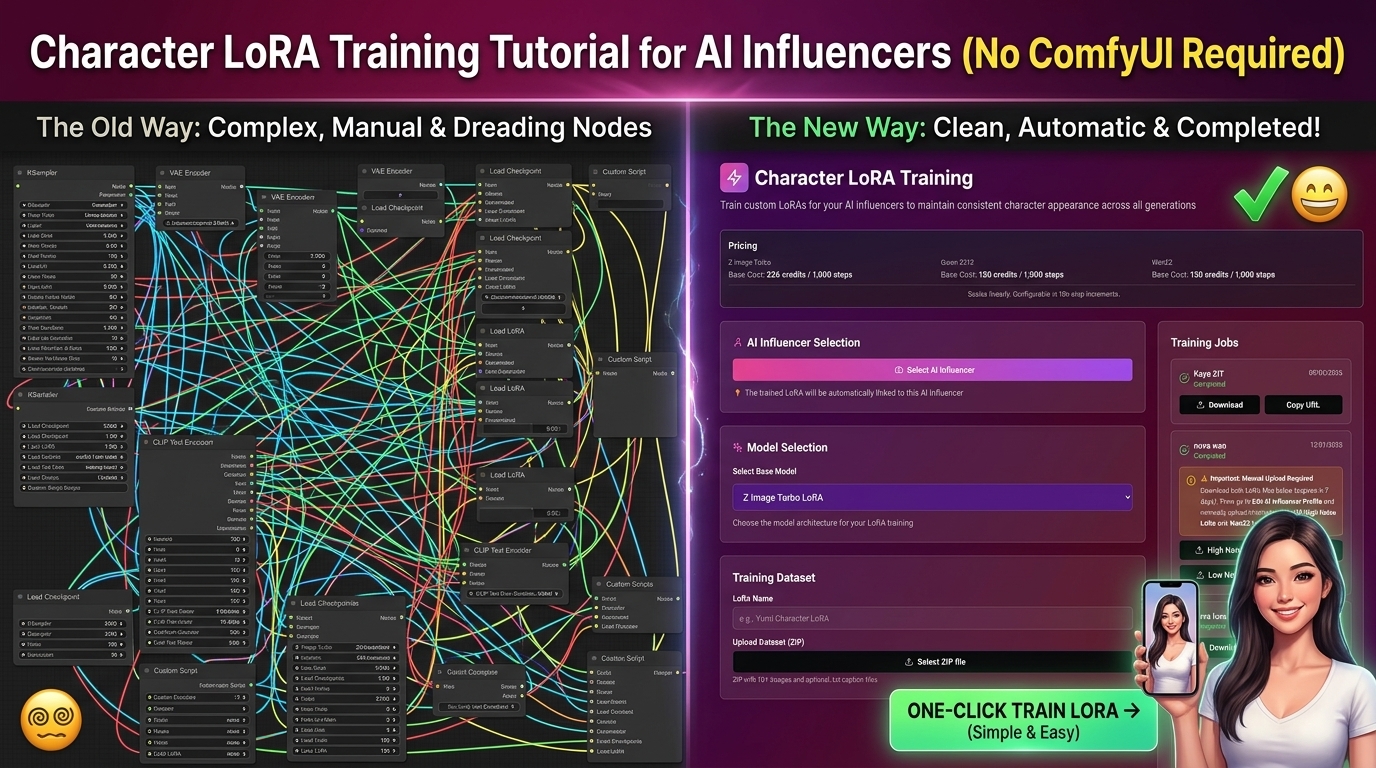
Character LoRA Training Tutorial for AI Influencers (No ComfyUI Required)
Learn how to train a character LoRA for your AI influencer in 2026 — without ComfyUI, without a GPU, and without any technical background. Complete step-by-step guide.
Best Higgsfield AI Alternative 2026 — Cheaper, More Features, Same Models
Higgsfield credits burning too fast? Need LoRA training or Fanvue support? We compared every major Higgsfield alternative in 2026 and matched each one to your actual use case.
How to Create an AI Influencer and Make Money in 2026 — Step-by-Step
The honest, complete guide to creating an AI influencer and earning real money in 2026. Real income numbers, exact tools, step-by-step workflow, and what no one tells you about the timeline.